Hello Markus,
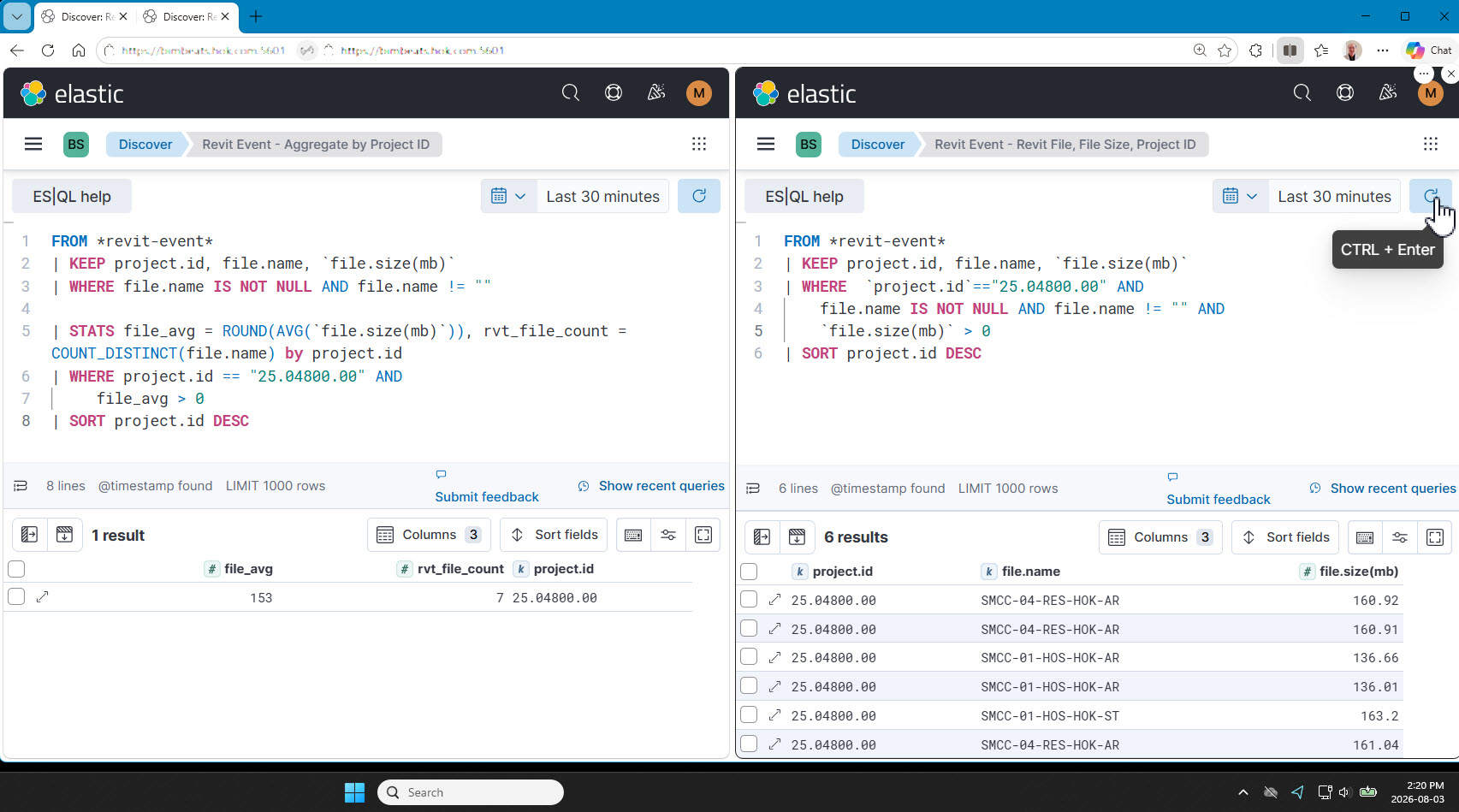
If I am interpreting the original post correctly, the first query is to find what the average file size is across all files in the selected project. And the 2nd query is showing the file size for individual files in the project.
Looking at the results from the 2nd query, I see 3 unique file.name values.
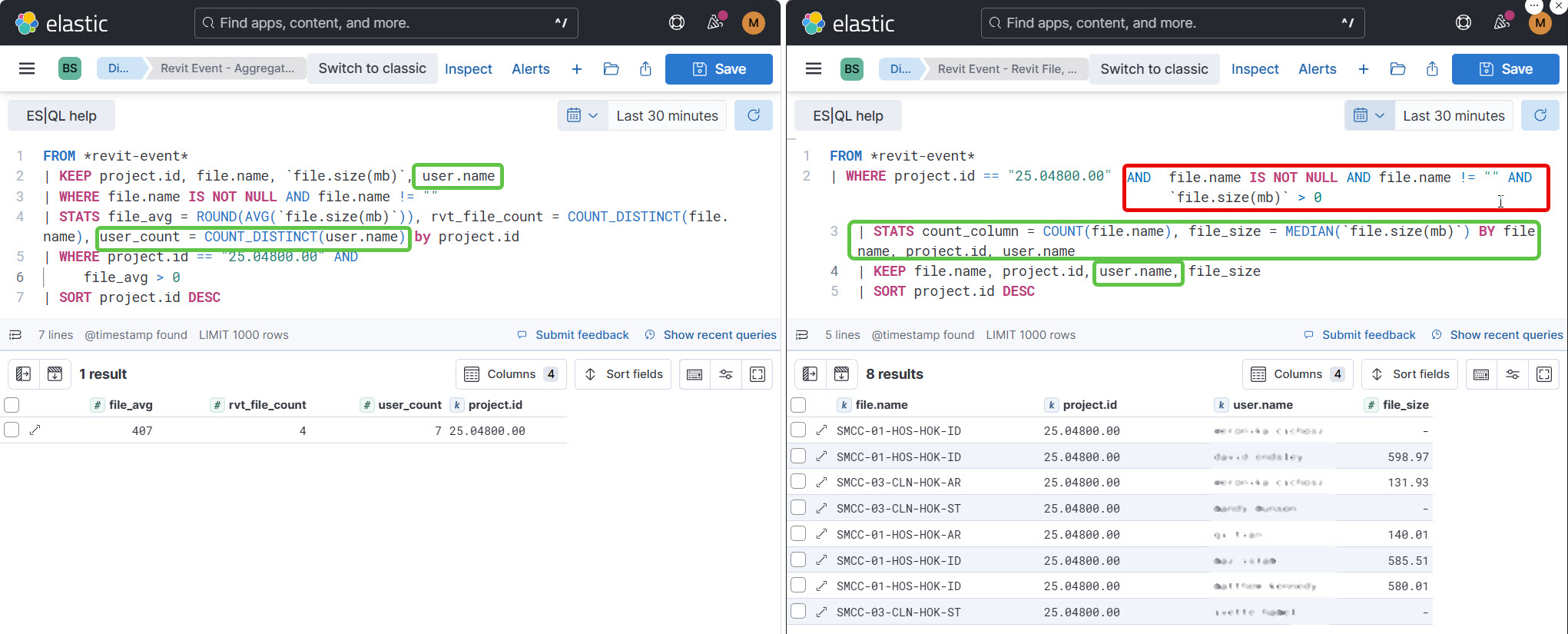
The reason they are not reconciling is the queries at the beginning of each script.
In revit-event, file.size(mb) gets collected for different events, and sometimes will report the size of a family that is uploaded to a revit file.
The first thing we can do here is to add
action.name IN ("Open", "Synch")
This will limit the calculation to only Revit files.
ES|QL is the right tool to calculate the average file size across files within a revit project. However, the function that allows you to use only the latest value for file.size(mb) for any given project in only available on Elastic 9.4+
That function is LATEST
This query returns the average file size across all projects active in the selected time range:
FROM *revit-event*
| WHERE action.name IN ("Open", "Synch")
    AND file.name IS NOT NULL AND file.name != ""
    AND `file.size(mb)` > 0
| STATS latest_size = LASTEST(`file.size(mb)`) BY file.name, project.name
| STATS file_avg = ROUND(AVG(latest_size)),
        rvt_file_count = COUNT_DISTINCT(file.name)
    BY `project.name`
| KEEP file_avg, rvt_file_count, project.name
Using the LASTEST function, we can also see the latest file size across individual files with the following query:
FROM *revit-event*
| WHERE action.name IN ("Open", "Synch")
    AND file.name IS NOT NULL AND file.name != ""
    AND `file.size(mb)` > 0
| STATS latest_size = LAST(`file.size(mb)`,@timestamp) BY file.name, project.name
| KEEP project.name, file.name, latest_size
Though in this case, the same results can be achieved using a Lens visualization.