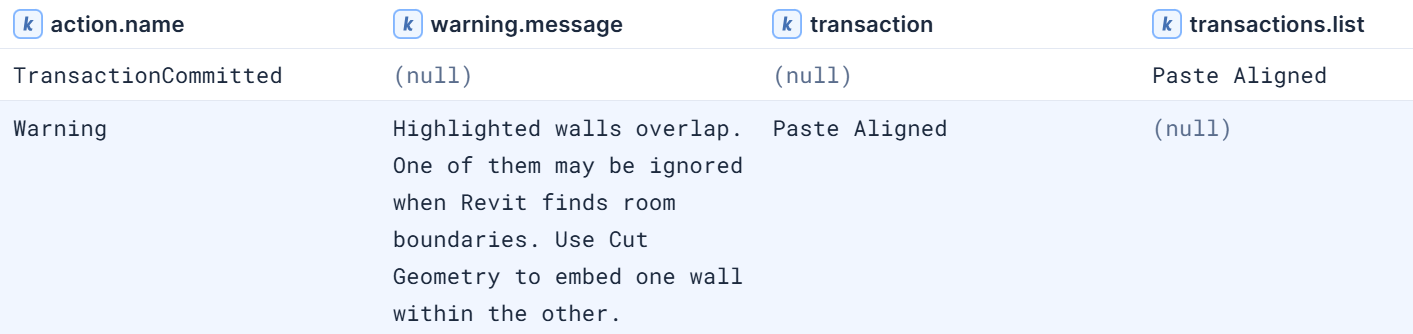
Bimbeats tracks Revit warnings in a few ways.
It is true that in revit-event, action.name : “Warning” events represent the warnings that exist in the file, and do not carry information as to who created the warning.
In revit-log, action.name : “Warning” records the moment a warning is created. It is logged when a user sees the warning dialog box. Some caveats here. If the user performs an action (say pasting a wall over itself), and see a warning dialog related to that action, that warning will be logged. Even if the user then undoes the action and therefore clears the warning.
You are on the right track. Identifying which user created a warning dialog can often point to what user created the warning.
Your query is close, but there are some bugs which make it so UserMessageCount always returns 1.
The main culprit is the COUNT_DISTINCT function which returns the count of unique values, as opposed to counting occurrences. The proper function is COUNT.
I also recommend not using failing.ids (a multi-value field) under STATS. failing.ids is a list of the IDs of the objects involved in the warning.
It is best to filter for action.name early in the query, so we only get documents relating to the desired action. In this case, WHERE action.name == “Warning”.
Finally, I added AND transaction != “Review Warnings”. Review Warnings means the user opened the warning review dialog, and Revit re-surfaces existing warnings and logs each against whoever is looking at them. So we exclude these.
The corrected query:
FROM *revit-log*
| WHERE action.name == "Warning"  AND transaction != "Review Warnings"
| STATS UserMessageCount = COUNT(*) BY file.name, warning.message, user.name
| SORT UserMessageCount DESC
| WHERE file.name == "xyz-arch"
This will return the count of documents per warning, per user.
Additionally, you can add BY transaction to also see the action the user performed that led to the warning being generated.
The final query:
FROM *revit-log*
| WHERE action.name == "Warning"  AND transaction != "Review Warnings"
| STATS UserMessageCount = COUNT(*) BY file.name, warning.message, user.name, transaction
| SORT UserMessageCount DESC
| WHERE file.name == "xyz-arch"
One thing to caution here: When a user performs an action that results in a duplicate warning, the user will publish one document per instance of that warning. Which may artificially inflate that user’s warning count.
For example, if I paste a wall over itself I will generate the following warning:
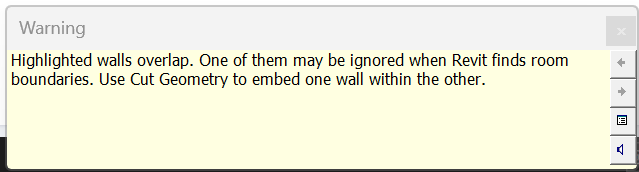
Which results in the following document being logged to revit-log:
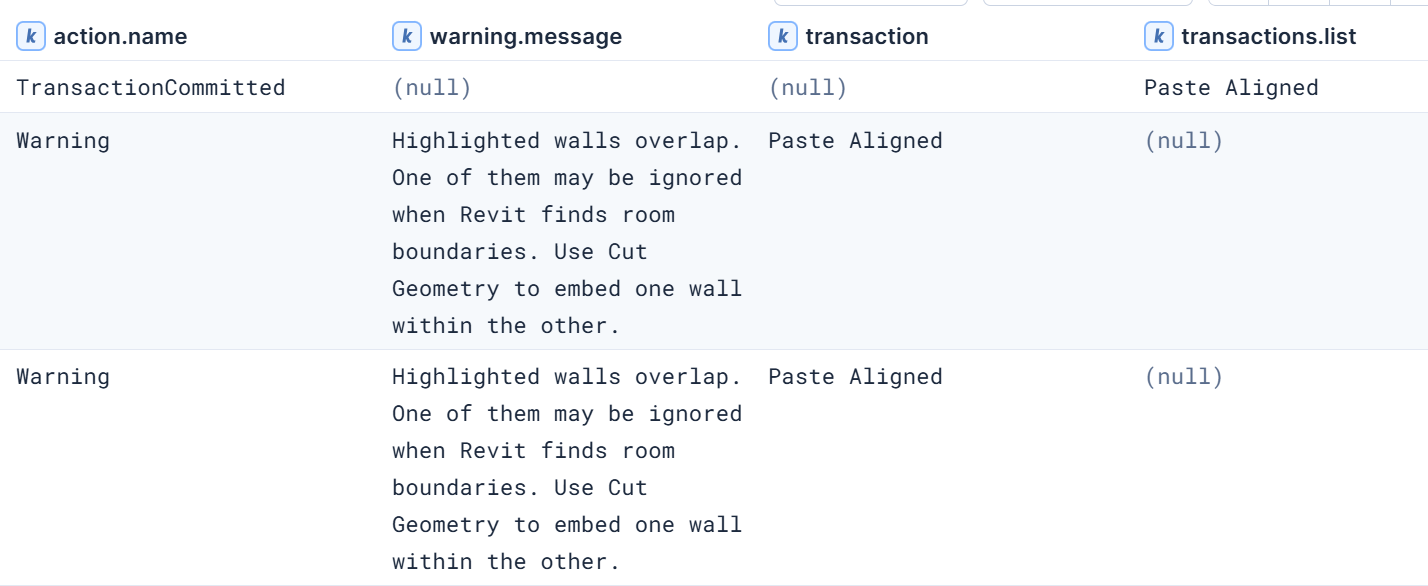
If someone else goes and does the same thing, their warning pop-up will show multiple warnings:
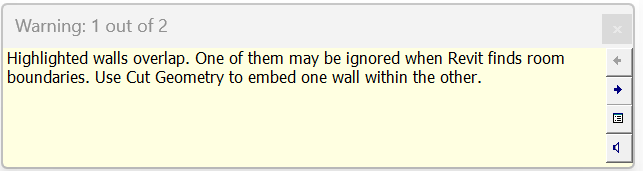
And multiple documents will be logged to revit-log:
It would be inacurate to say that the user generated 2 warnings. This is an edge-case, but just something to be aware of.
I hope this helps! And thank you for contributing questions like these to the forum.
All that said, we have a new dashboard in Bimbeats 2.3.1.0 called Revit - Project Warning Dialogs that already lists which files, users, and modeling operations are producing warnings most frequently.